Keys you already know.
⌘K ⌘S shows them all, with the Vim way beside each, for when you want to go faster.
Dojo is Neovim with a real Mac GUI and actual taste. The Cmd shortcuts you know, a neon‑on‑black screen, zero Electron. Sorry, VS Code.
brew install yask123/dojo/dojo
Paste into Terminal, then open Dojo from Spotlight. Any existing Neovim setup is backed up first.
// everything you need
Opens like Sublime Text. Types like Vim when you're ready. Every panel you didn't ask for is gone.
⌘K ⌘S shows them all, with the Vim way beside each, for when you want to go faster.
Big files open as an outline. Unfold one level at a time.
The desktop dims behind the window while you work.
Output slides up from the bottom. ⌘J tucks it away.
A gentle typewriter as you type. A small chime when you save.
Dojo's own theme: near‑black, mint text, one neon green. Or browse a handful of others with ⌘K ⌘T; the editor recolours as you move.
// the essentials
:cdSpace SpaceSpace /gdSpace r rSpace ?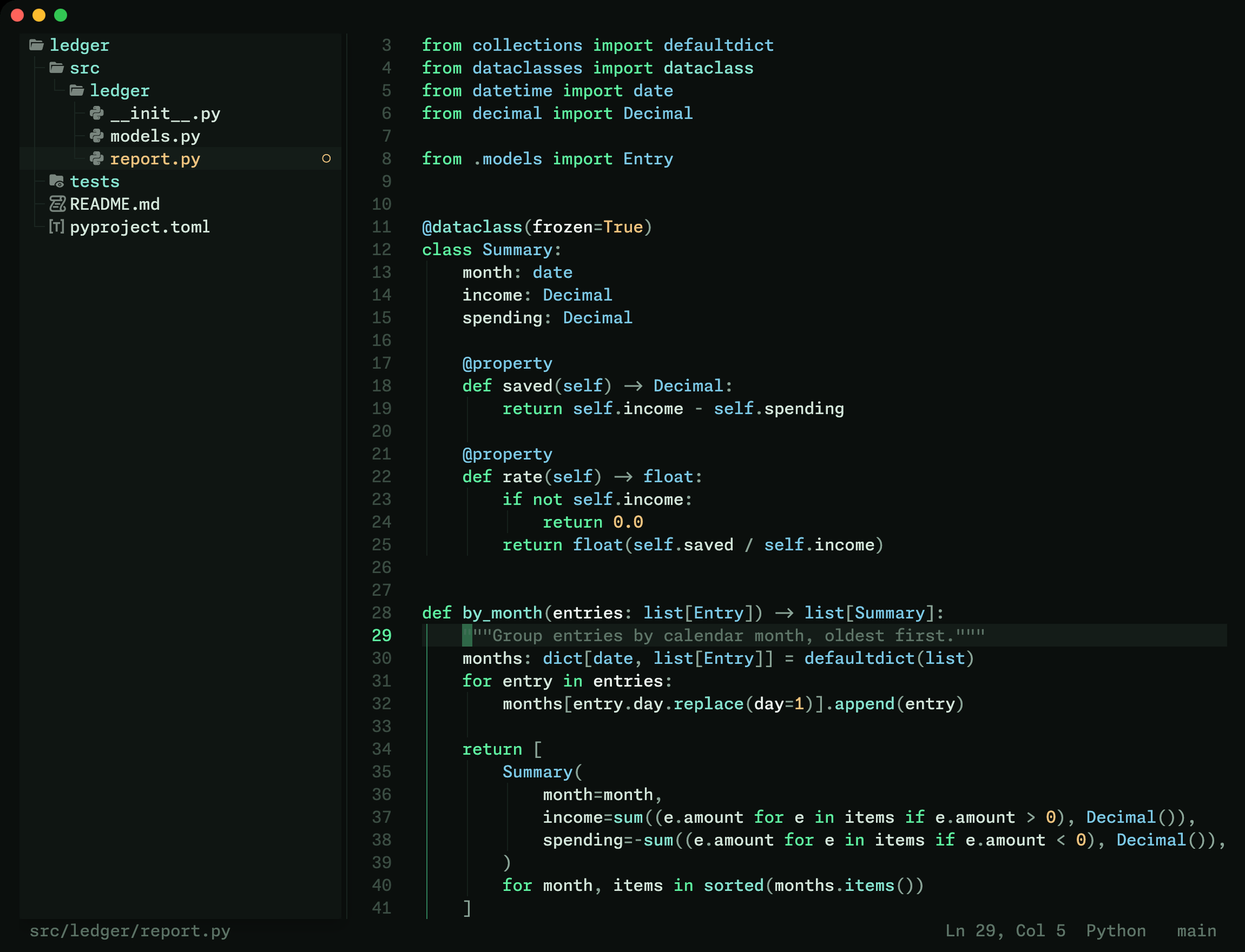
brew install yask123/dojo/dojo
No Homebrew? Use the Terminal installer.