 Zen · a free app for Mac
You have 23 windows open. You need one.
Zen lives in your menu bar. It hides every app except the one you’re using, and gives each window a size that suits it.
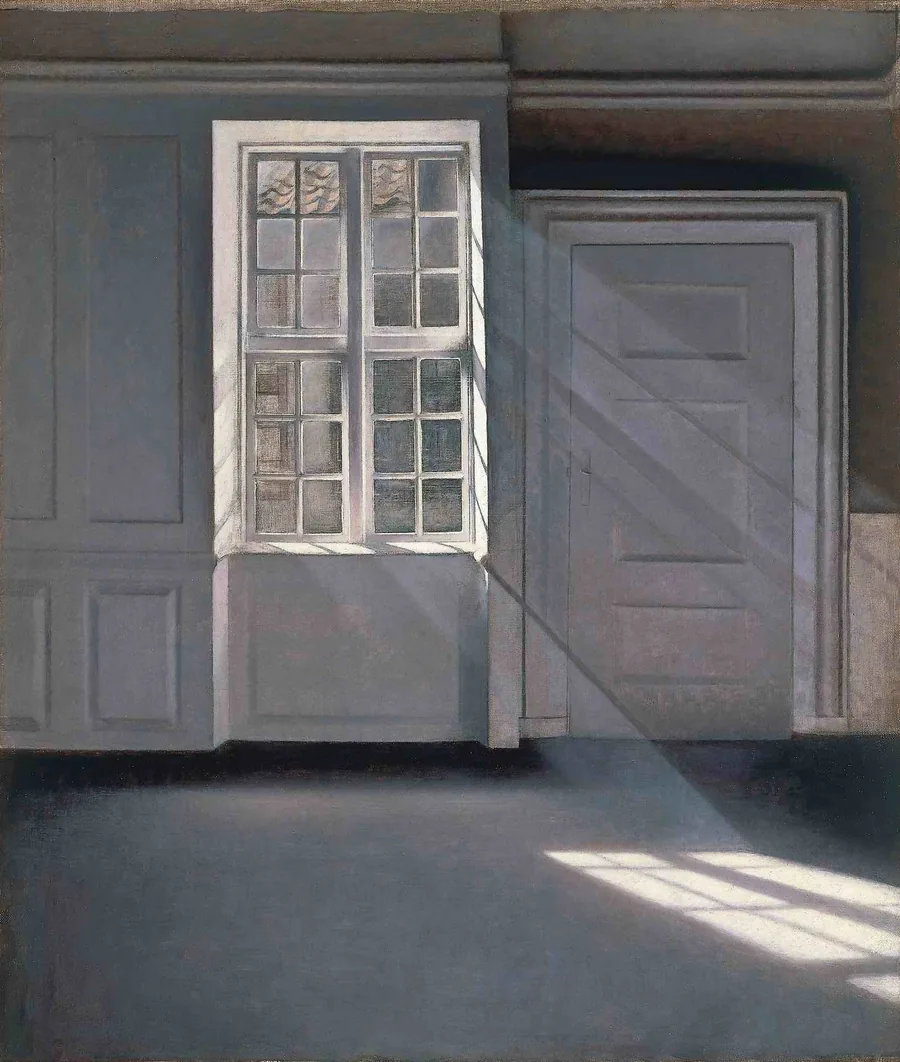
Hammershøi spent a career painting rooms with almost nothing in them. Nothing in them is missing.
I. The demonstration
Flip the switch. Watch the mess leave.
This is your Mac right now. Be honest.
— the thing
— the other thing
— close some tabs
~ $ echo "ah."
ah.
~ $ _
Click an app in the Dock. Each one gets the size that suits it, and remembers the one you pick.A 2009 Mac, for old times’ sake.
II. How it works
Small app. Big calm.
One app at a time.
Switch to an app and everything else steps aside, softly, like a lens pulling focus. No widgets, no desktop icons, no window peeking from behind. A quiet menu bar keeps only the battery, Wi-Fi, the clock and the ring.
Two, or none.
Pair sets the app you’re in beside the one you just left. Free steps back entirely and leaves your windows where they are.
A size that suits it.
Windows open centred, slightly above the middle, where the eye expects them. Five sizes, chosen per app.
It learns your taste.
Drag a window to a size you like and Zen remembers it for that app, every time. “Forget sizes” puts everything back.
⌃⌥Z
Step out to Free, or come back.⌃⌥P
Pair two apps side by side.⌃⌥↩
Try the next size for this app.⌃⌥⌫
Back to the app’s natural size.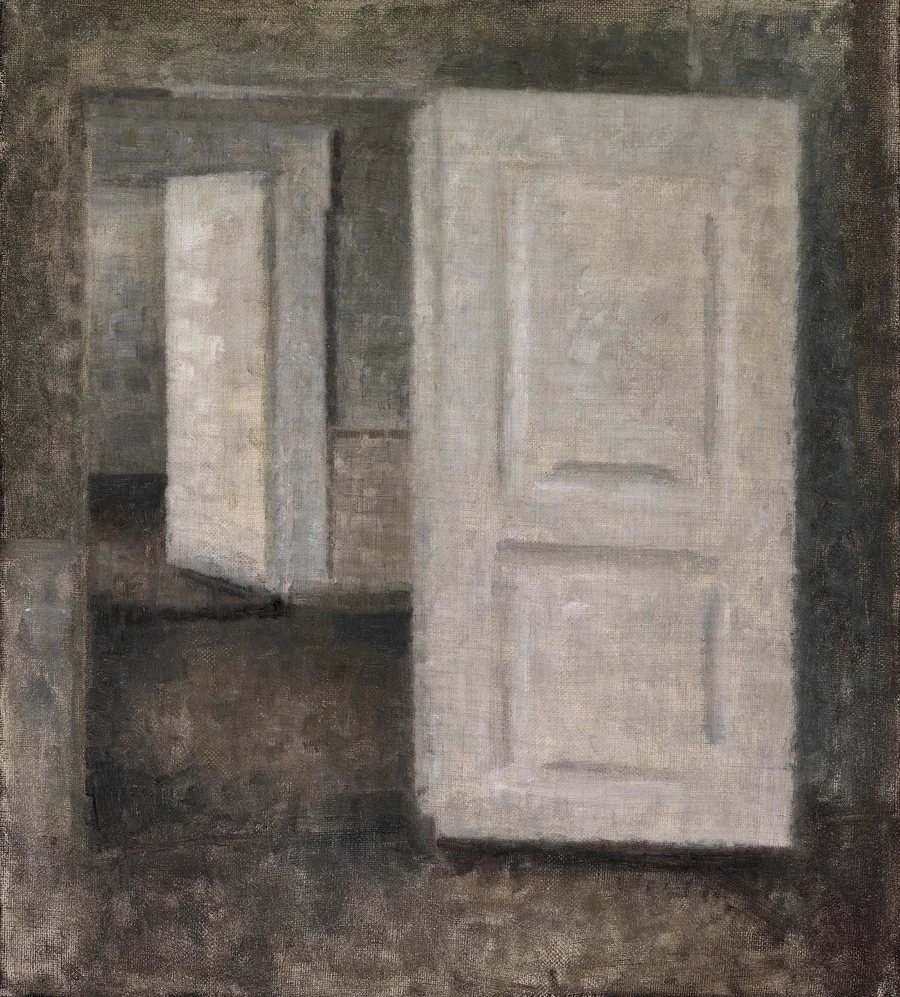
Every open door is an invitation. Zen closes the ones you aren’t walking through.
The other apps aren’t gone. They’re one click or one shortcut away, exactly as you left them. They just stop asking for your attention while you work.
III. The menu bar
It lives up here.
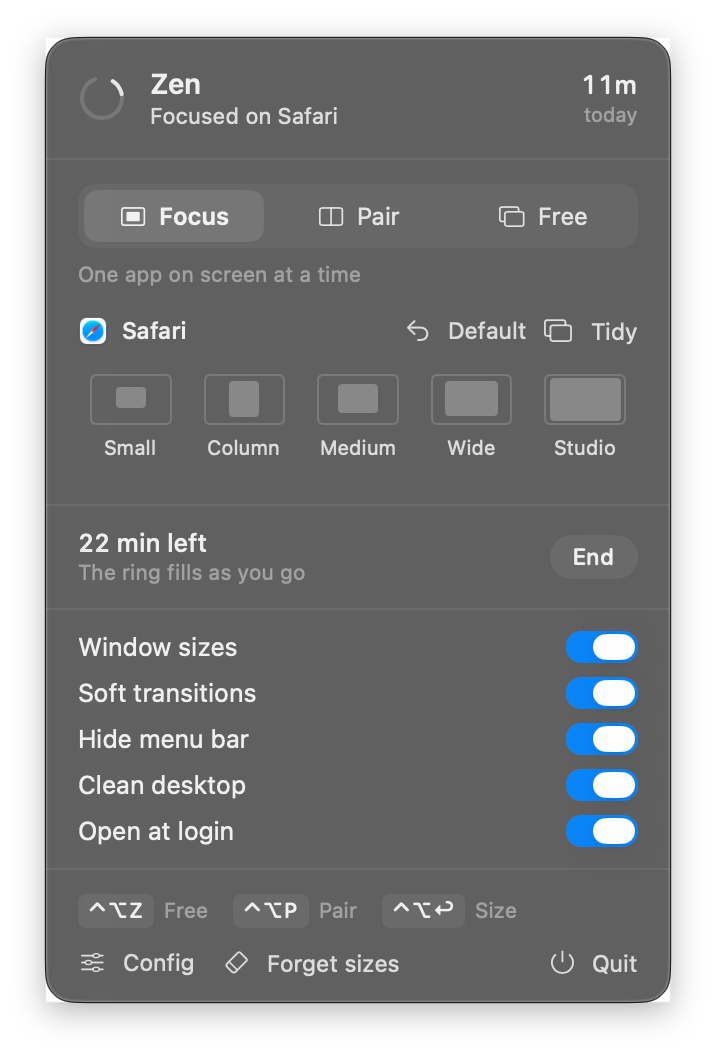
One click on the ring. Choose Focus, Pair or Free, pick a size for the app you’re in, or start a quiet timer. The ring fills as you go, and a singing bowl rings when you’re done.
The real panel, as it looks on today’s macOS.
IV. Questions
Asked nicely.
Is it really free?
Yes. No account, no subscription, and nothing leaves your Mac.
What does it need?
Accessibility access, so it can hide and size windows. macOS asks once, the first time you open it.
Can I undo it?
Switch to Free from the menu bar and your windows stay exactly where they are. Quit it and it’s gone.
A big external display?
Sizes follow each screen and stop growing on large ones, so nothing ends up absurdly wide.
Which Macs?
macOS 14 Sonoma or later, on Apple silicon or Intel.
Go on. Close something.